Video coming soon
The written walkthrough below covers everything in the meantime.
Walkthrough
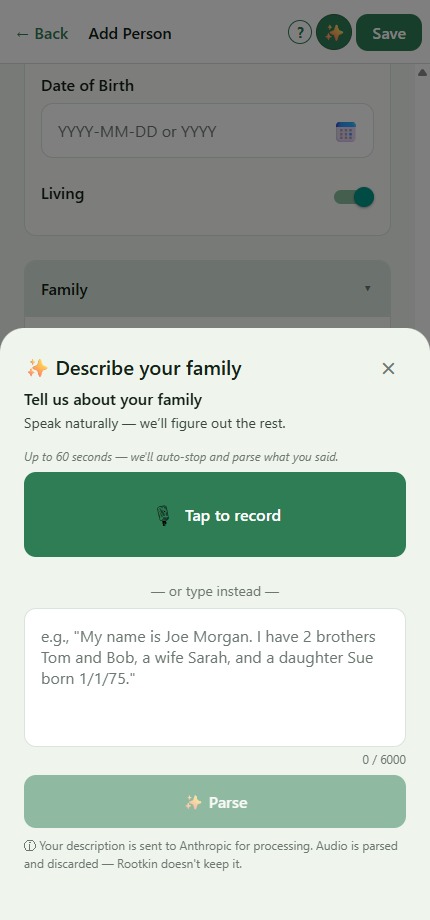
- On the Add Person or Edit Person screen, tap the ✨ button in the header. (On Add Person with an empty Family section, a green "Describe your family" card offers the same thing.)
- The Describe sheet opens with the microphone ready. Tap Record and just talk. Something like: "I have two brothers, Tom and Bob. Bob's married to Maria. They have a daughter Sue, born January 1st 1975."
- When you're done, tap Done. Rootkin uploads the audio, parses what you said, and then deletes the recording — only the chart updates land in your tree.
- Review the proposed chips. Each person, relationship, and date Rootkin extracted appears as a chip with a confidence color: green is high-confidence, yellow is worth a glance.
- Tap Confirm high-confidence to accept all the green chips at once, or step through one by one with the ✓ / ✕ buttons. Where Rootkin isn't sure which existing person you meant, it asks.
- Tap Apply. The chart updates with everyone you described.
If you'd rather type. The same sheet has a text fallback — handy when you're in a noisy room or just don't want to talk.
Still stuck?
Our team reads every message — most replies within one business day.
Last updated 27 May 2026